Mixing and Mastering: What Musicians Need to Know
A clear explanation of mixing and mastering for musicians: what each stage does, how they differ, what to prepare, and common mistakes to avoid before booking a session.
In short: Mixing balances the individual tracks in your recording — adjusting levels, EQ, compression, and effects so everything works together. Mastering is the final stage that polishes the complete stereo mix, sets loudness for streaming, and prepares files for release. They are separate processes, done in sequence, on different file types.
What is mixing?
After you finish recording, the raw tracks don't sound like a finished song. The drums might be overwhelming, the vocals too quiet, two guitars muddying each other. Mixing is the process that fixes this.
A mixing engineer opens all your individual tracks in a DAW and works through:
- Levels — balancing each instrument so nothing dominates or disappears
- Panning — placing instruments across the stereo field so they have space
- EQ — cutting unwanted frequencies, boosting the characteristics that make each instrument clear
- Compression — controlling dynamics so performances feel consistent and controlled
- Effects — adding reverb, delay, chorus, or other treatments that serve the song
The result of mixing is a single stereo mix file where all your tracks sound like one cohesive song. Before mixing, raw recorded tracks sound dry, imbalanced, and disconnected from each other.
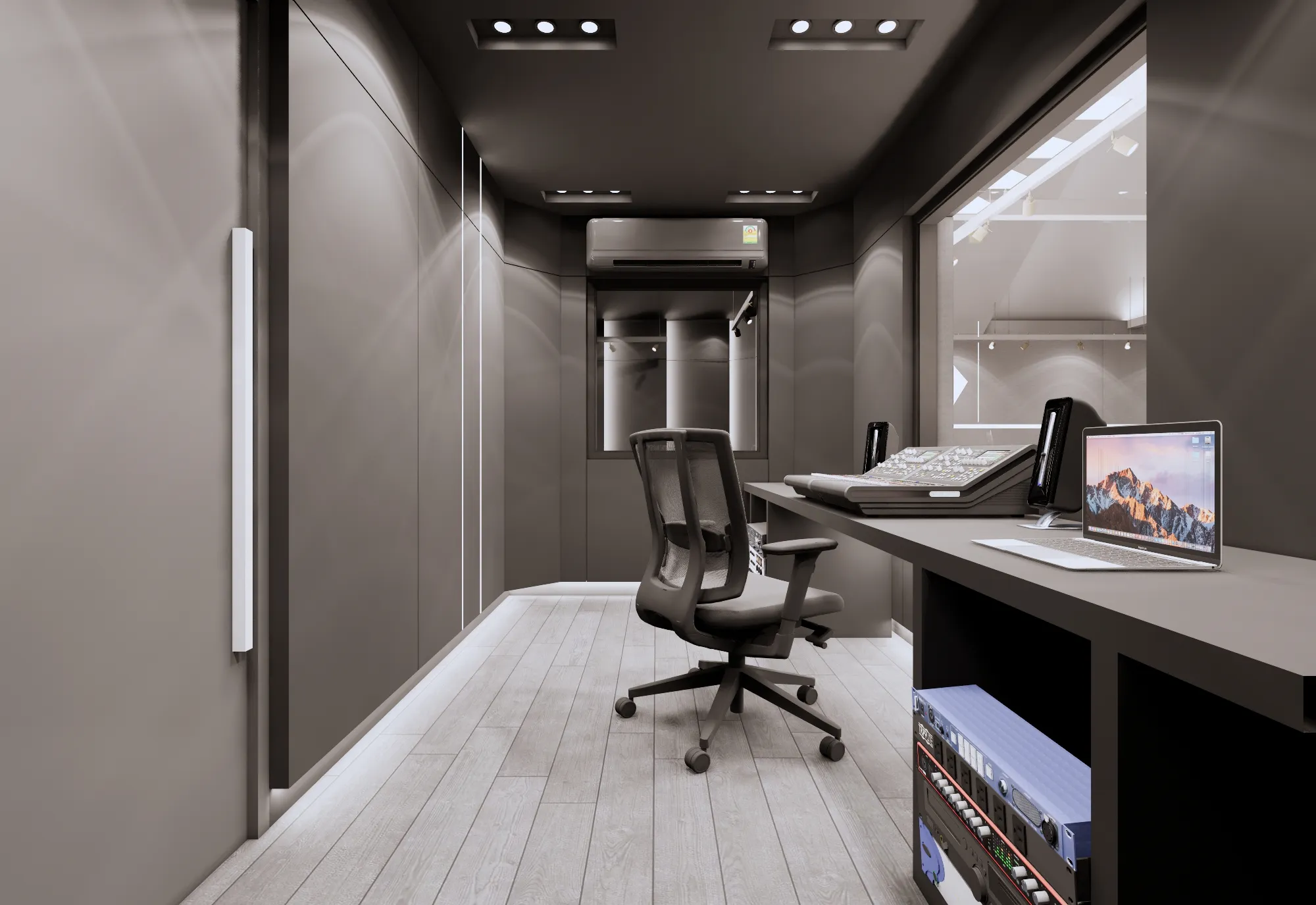
Thunder Studio's Control Room is set up for professional mixing with a mixing console, calibrated studio monitors, and a full DAW workstation.
What is mastering?
Mastering is the last step before you release music. It works on the complete stereo mix that came out of mixing — not on individual tracks.
A mastering engineer will:
- Set loudness to match streaming platform standards (Spotify targets around -14 LUFS)
- Ensure consistency across an album so all songs feel equally loud and tonally matched
- Check across multiple playback systems so the song sounds good on Bluetooth speakers, headphones, and in a car
- Prepare the correct formats for different platforms: 16-bit WAV for streaming delivery, MP3 for web use
The key difference from mixing: mastering does not touch individual instrument tracks. It works on the full mix as a single file — like a final polish before delivery.
Mixing vs mastering comparison
| Aspect | Mixing | Mastering |
|---|---|---|
| Input | Individual instrument stems | Complete stereo mix |
| Output | Single stereo mix file | Release-ready final file |
| Tools used | Faders, EQ, compressor, reverb, delay | Multiband compressor, limiter, metering tools |
| Who does it | Mixing engineer | Mastering engineer |
| Typical time | 4-8 hours per song | 1-2 hours per song |
| Focus | Balance and space between instruments | Loudness, consistency, correct format |
The recording-to-release workflow
Post-production follows a fixed sequence. Each step depends on the one before it:
- Recording (Tracking) — capture each instrument on separate tracks
- Editing — remove unwanted sounds, fix timing issues, cut noise between takes
- Mixing — balance all tracks, apply EQ, compression, and effects
- Mastering — polish the complete mix, set loudness, prepare formats
- Export for release — 16-bit 44.1kHz WAV for streaming delivery, or to spec for each platform
For everything you need before entering the studio, read the first-time recording guide.
What to prepare for a mixing session
Before a mixing session at Thunder Studio or before sending files to an engineer, gather the following:
- Separate stems — 24-bit WAV files for each instrument, exported individually. No master bus compression, no normalization, no limiter on the stereo output.
- Reference tracks — 2-3 songs that sound like what you want your finished mix to sound like. The more specific the better: "I want the drums from this track but the guitar tone from this one."
- Notes on what you want — tell the engineer the feel you're going for, which instruments to prioritize, where you want the vocals to sit in the mix
- Tempo and time signature — note them in the session file or a separate text document
Common mistakes musicians make
- Skipping mastering — a track without mastering will sound quieter than everything else in a playlist and will not translate well across different playback systems
- Mixing on headphones or laptop speakers — consumer headphones often exaggerate or cut bass, and laptop speakers remove low end almost entirely. A mix that sounds right on headphones frequently sounds wrong on actual speakers
- Not providing reference tracks — without references, the engineer has to guess what you want. This leads to multiple revision rounds that slow everything down
- Expecting mixing to fix a bad recording — mixing can balance levels and add polish, but it cannot fix out-of-tune performances, loose timing, or poor room acoustics. Bad recordings need to be re-tracked.
- Sending heavily compressed or clipped stems — if your tracks are already slammed and the waveform is flat, the engineer has no dynamic range to work with. Leave headroom in your exports.
Frequently asked questions
What is the difference between mixing and mastering?
Mixing balances individual tracks. Mastering polishes the final stereo mix. They are separate steps done on different file types, in sequence.
Can I skip mastering?
You can, but your track will sound quieter than others on streaming playlists and won't translate consistently across speakers and headphones. Mastering takes relatively little time and makes a meaningful difference.
What files do I need to send for mixing?
Individual stems as 24-bit WAV files. No master bus compression, no normalization, no limiter. Include tempo and time signature. The cleaner the stems, the better the result.
How long does mixing take per song?
A typical rock song with 8-16 tracks takes 4-8 hours to mix, depending on complexity and how many revisions are needed. Mastering usually takes 1-2 hours per track.
Can I mix on my laptop myself?
You can, but laptop speakers and consumer headphones give a distorted picture of the sound. Mixing on flat-response studio monitors in an acoustically treated room produces far more accurate and consistent results.
How much does mixing and mastering cost at Thunder Studio?
Contact us at 063-624-6926 or LINE @093tfxmp for rates. Pricing depends on the number of tracks and revisions required.
Haven't picked a studio yet? Read how to choose a recording studio to check acoustics, gear, and red flags before booking. Or browse all Thunder Studio services.
Ready to mix?
Thunder Studio's Control Room handles recording, mixing, and mastering in one place — mixing console, studio monitors, and a full DAW workstation. Open daily 10:00 AM to 10:00 PM in Don Mueang, Bangkok.